
Affiliate disclosure: This editorial assessment contains affiliate links. AI Review Dock may receive a commission if you buy through them, at no added cost to you. We have researched public launch information but not personally tested this product; all vendor claims need independent verification.
Updated: 22 November 2026.
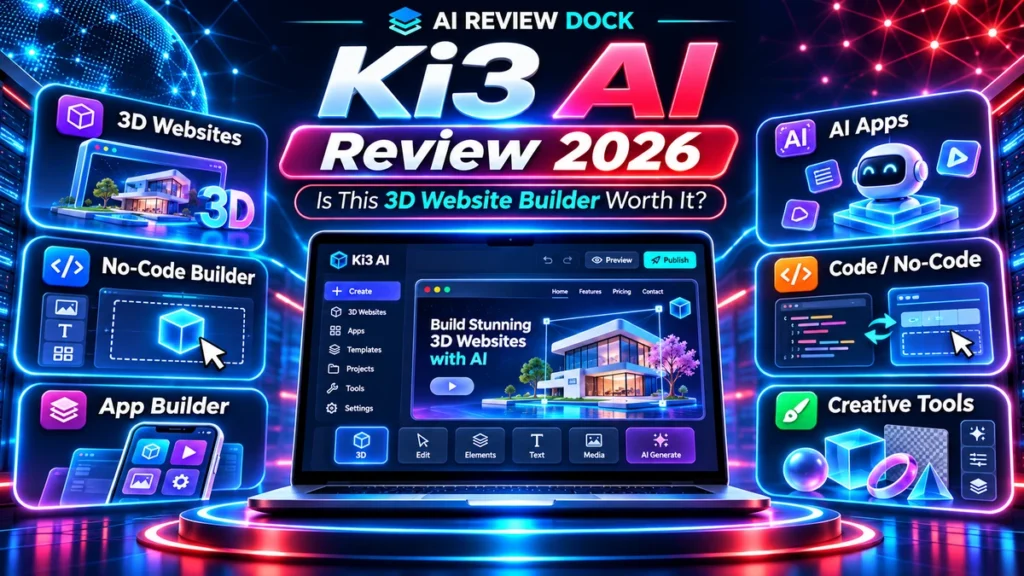
Ki3 AI review 2026 — quick verdict: the 3D website-building idea is appealing, but code exports, mobile responsiveness, and licensing are worth verifying before purchase. Ki3 AI is marketed as a broad AI creation workspace with a particularly unusual hook: turning prompts into 3D websites, interactive experiences, software prototypes and other digital assets. LaunchPadJV lists the tool under vendor Venkateshs, positioning it for marketers, creators and developers who want fewer separate production tools.
That ambition makes the product worth investigating, but it also creates difficult questions. A 3D visual demo is not the same as an editable production website; generated app code is not automatically secure or maintainable. This Ki3 AI review explains what to check in the builder, what commercial users should ask about exports and how to evaluate the total offer. It is an editorial assessment of published claims, not a hands-on benchmark.
In this review
What Makes the 3D Creation Angle Different?
Many AI writing and website apps can produce page copy or a basic hero section. Ki3 AI’s promotion goes further by including interactive 3D assets and experiences. In theory, this can help a designer build an engaging product showcase, immersive landing page or simple visual prototype without assembling every element manually.
The core test is editability. MDN’s independent WebGL overview explains the browser technology behind many interactive 3D experiences; it is useful context when assessing device support and performance. Can you alter geometry, lighting, textures and camera behaviour after the initial generation? Can a website visitor navigate the experience on a phone? Is there a fallback for slower devices, and is motion optional for accessibility? A striking preview can be valuable, but deployment quality depends on these less glamorous details.
Ki3 AI Review: Website and App Generation Questions
A trustworthy Ki3 AI review should ask whether the platform generates standard, downloadable source code or keeps projects inside a proprietary editor. For websites, test semantic headings, navigation, responsive layouts, forms, image optimization, Core Web Vitals and compatibility with common analytics tools. For apps, inspect the generated architecture, dependencies and handling of user inputs.
Try a small app with persistent data and user authentication only in a non-sensitive test environment. Review how the tool handles secrets, errors and database security. If you cannot inspect or export source code, the platform may be best treated as a prototyping workspace rather than the foundation for mission-critical software.
Does One AI Dashboard Replace Specialist Tools?
Promotional materials describe a large set of creative and technical capabilities, including coding, images, video, research, documents and AI agents. Bundling many functions may reduce friction for simple tasks, but it does not necessarily provide the same control or output quality as specialist video editors, 3D applications or developer environments.
Make a shortlist of your three essential use cases and test each one. For example, build a responsive landing page, create one interactive 3D object and export an editable code project. Evaluate correctness, export format, speed, credit usage and manual effort. A product offering dozens of features is only valuable if the few you need work reliably.
Ki3 AI Pricing and OTO Considerations
Ki3 AI is listed as a LaunchPadJV product. External launch reviews mention a front-end package and several optional upgrades, sometimes described as unlimited, agency, prompt, traffic or white-label editions. These are vendor-funnel descriptions, not evidence that all features are included in a particular checkout. We have not established a fixed current price or independently verified the full upgrade ladder.
Check the entry tier for 3D generations, website publishing, output downloads, API requirements, credits, storage and commercial rights. Compare what you would actually use with the cost of specialist alternatives. An extra agency license may be worthwhile for a real client business but unnecessary for someone experimenting with a personal portfolio.
Verify Live Pricing & License Terms
Licensing, Content Ownership and Third-Party Models
The ability to sell a generated website or asset depends on the license terms, not the marketing headline. Ask whether commercial use extends to all outputs, whether models or stock assets impose separate conditions and whether you can remove vendor branding. For 3D projects, inspect the export formats and the rights to textures, fonts and soundtrack material.
Privacy and data portability are also important. When projects contain client designs, unreleased product ideas or code, find out who can access inputs and outputs, how long they are stored and whether deletion is available. If clients need continuing maintenance, ensure the project can move to another tool without rebuilding from scratch.
Who Is Ki3 AI Best Suited For?
Designers and marketing teams exploring interactive web ideas may find the creative workflow appealing. Freelancers might use it for initial mockups or brainstorming before implementing a production version in familiar software. It may be less suitable for organizations that require transparent source code, audited security controls or predictable high-volume rendering.
For a practical Ki3 AI review, use a short pilot to test the exact deliverable you intend to sell. Put the page on a phone, throttle network speed, test keyboard navigation and inspect generated code. Compare time spent refining the output with the time required in your current tools. The best verdict is based on a completed, exportable project, not the number of AI features on a sales page.
Ki3 AI Pros and Cons
Possible strengths
- Distinctive focus on interactive 3D and web prototyping
- Several content and coding workflows under one roof
- Potentially helpful for concept exploration and demos
What to check carefully
- Advanced 3D quality, code portability and maintenance need proof
- Feature breadth may hide model-specific usage limits
- Commercial rights and upgrades require careful checking
Frequently Asked Questions
Can Ki3 AI build a real production website?
It is marketed for website creation, but test responsive behaviour, SEO, integrations and code or project export before relying on it.
Does Ki3 AI include 3D exports?
Confirm the exact formats and edit rights in the plan being offered; the public marketing promise alone does not settle this.
Is Ki3 AI a replacement for all other AI tools?
Not automatically. Test your highest-value workflows against specialist alternatives and compare results, limits and operating costs.
Final Verdict
Ki3 AI is most worth considering when its specific workflow saves verifiable time and the entry plan fits a real use case. Ask for a current demo, confirm the true checkout total and evaluate exports, rights and support before paying. Do not assume the product’s marketing guarantees outcomes or replaces human editorial and technical review.
Related research on AI Review Dock: Gamma AI review and NicheForge AI review.
This page includes sponsored affiliate links. We do not promise sales, income, rankings or product performance. Review current checkout and licensing terms before making a purchase.