
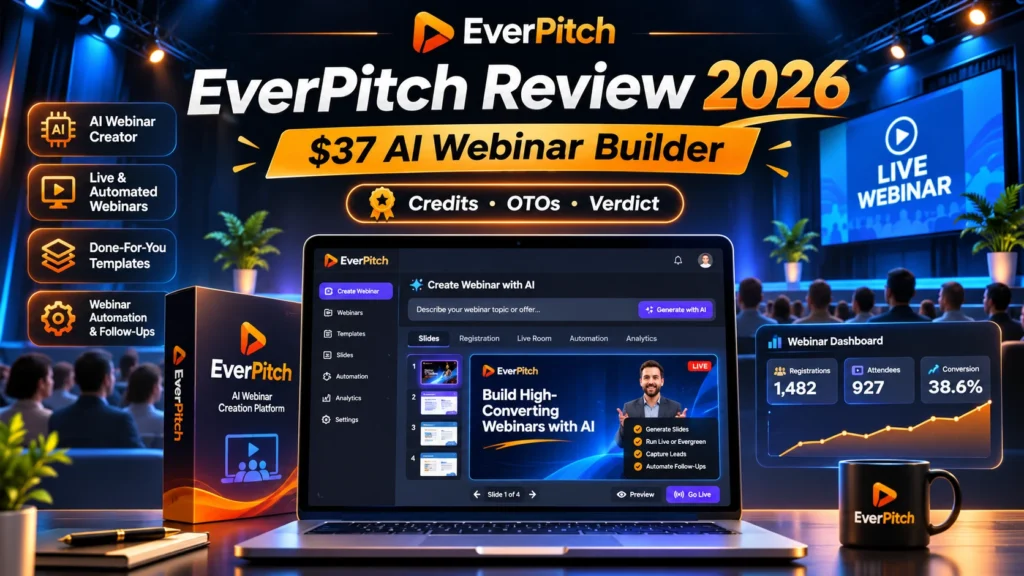
EverPitch review 2026: EverPitch is a new AI-assisted webinar creation and hosting offer promoted by Todd Gross and sold through JVZoo. Instead of making a slide deck and manually recording a talk, the vendor presents a workflow that turns an idea or document into a script, slides, narration and scheduled presentation. Its entry price of $37 is attention-grabbing, but credit limits, upgraded features and the difference between an automated presentation and a truly live event matter more than the headline. This EverPitch review explains the buyer economics without inventing customer results.
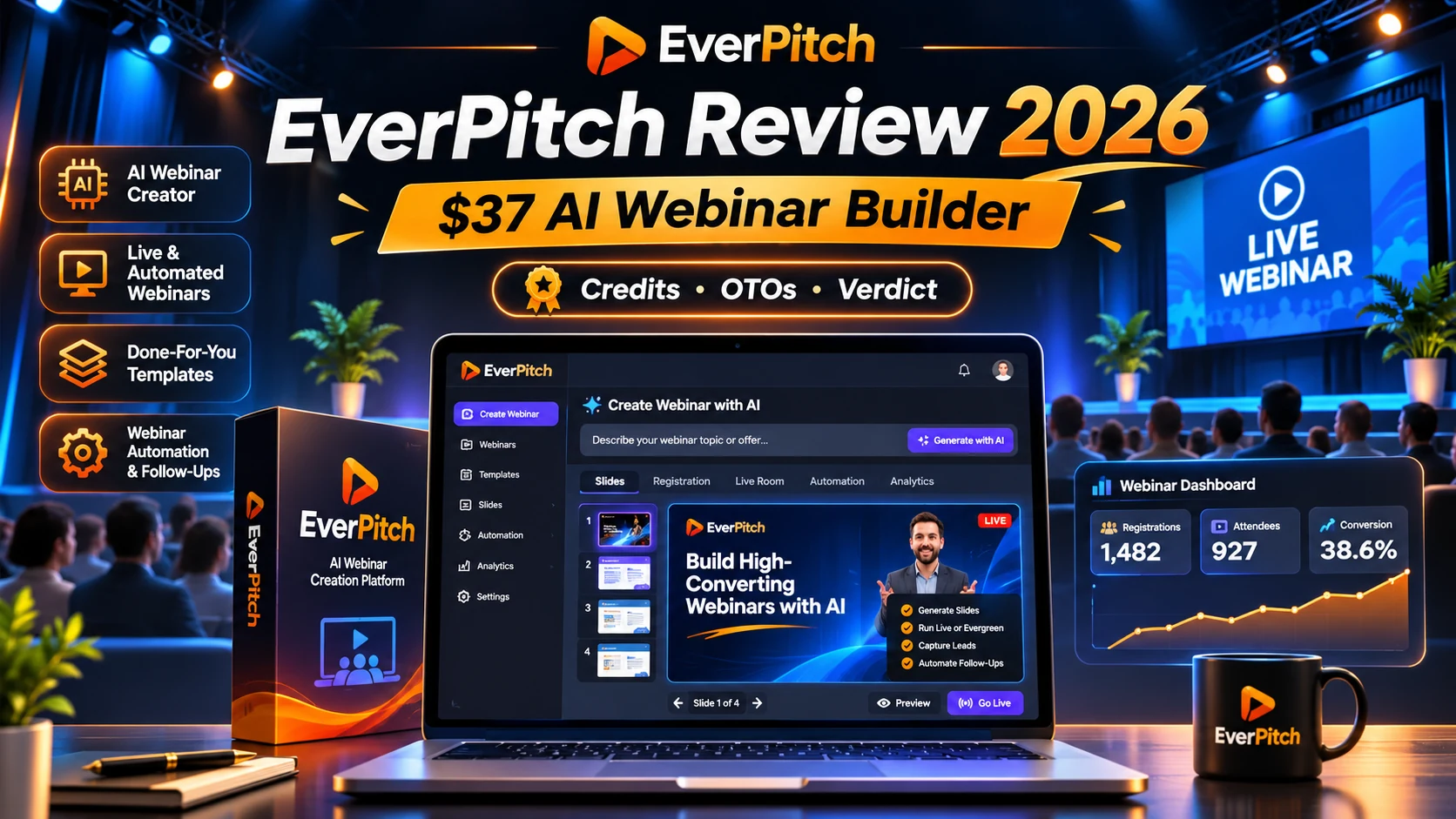
EverPitch review 2026 — Quick Verdict
The advertised $37 Commercial front end may fit a small business that wants to test one recorded-style webinar before investing in client licenses. The vendor describes 3,000 fresh creation credits monthly, roughly 75 finished webinar minutes under a 40-credits-per-minute example. The $197 early bundle raises the allowance and adds templates and agency features, but optional yearly upgrades also exist.
What Is EverPitch?
The vendor’s launch material describes converting a topic, URL, document or recording into a presentation; the platform then presents that prepared content to an audience on a shared session clock. This is not the same as a human teaching live, and businesses should avoid using ‘live’ in a way that misleads registrants. A successful webinar still needs a clear offer, accurate claims, traffic sources and consent-conscious email follow-up.
EverPitch Review 2026: Pricing, Monthly Credits and Upgrades
Price reference checked on November 15, 2026: $37 Commercial entry advertised; $197 early Bundle, subject to change. These are vendor/launch descriptions. Prices, available checkout options, licenses and refund rules may change without notice.
Commercial $37 package
The offer is listed at $37 one time with 3,000 monthly AI creation credits. External launch documentation equates that to about 75 minutes at 40 credits per finished minute; check model, voice and retry charges.
Bundle pricing
An early Bundle price of $197 one time is listed, reportedly rising to $227 during launch. It includes extra credit capacity, done-for-you webinar examples, a kit vault and an agency feature set in the published package breakdown.
Webinar editing
Vendor material describes script, slide and voice generation, with customization and review before scheduling. A polished-looking draft still needs manual validation of figures, links and testimonials.
Automation and Q&A
Scheduled replay-style sessions and AI answers from prepared webinar content are marketed. Confirm actual Q&A limits, latency, fallback behavior and disclosure to attendees.
Optional renewals
Ultra and MegaBundle tiers are described as annual renewals. Do not confuse a one-time base license with optional annual features or reseller entitlements.
EverPitch Review 2026: Choosing Credits and Upgrades
EverPitch’s advertised entry package and bundle differ most clearly in capacity and add-ons. Before calculating value, define how many finished minutes you expect to produce each month.
| Buyer situation | Potential fit or limit | Recommended check |
|---|---|---|
| Single short presentation | The $37 Commercial offer may be enough to test | Build one ten-minute webinar and document actual credits used. |
| Frequent revisions | 3,000 monthly creation credits are a potential constraint | Ask whether changing a script or voice consumes credits again. |
| Client or agency projects | The early $197 bundle advertises more capacity and extras | Check client rights, seat limits and current bundle contents. |
| Always-on scheduled sessions | Automated replay and registration require reliable hosting | Test actual reminders, mobile playback, Q&A and data export. |
A 40-credits-per-minute illustration gives 3,000 ÷ 40 = 75 minutes before retries. It is an estimate from a launch description, not a guarantee of output length or a tested account entitlement.
Who Should Consider This Tool?
This product is best considered by a buyer who already understands the target workflow and can check its output quality. Beginners should start with one small project, keep independent copies of finished assets, and make purchase decisions from specific features rather than from income screenshots or launch countdowns.
Eight Practical Checks Before You Buy
1. Run the smallest end-to-end test
Start with a 10-minute webinar about one clear outcome. Compare credits consumed with the vendor’s published calculation and track edits.
2. Review every sourced claim
AI can invent citations, product benefits and testimonials. Correct the script before using it for advertising or product training.
3. Inspect the registration funnel
Verify opt-in wording, unsubscribe links, reminders, privacy notices and whether forms connect to tools you already use.
4. Attend as a normal viewer
Join on phone and desktop; test volume, captions, chat interactions, load time, the offer card and replay access.
5. Test question handling
Ask a question that the prepared material answers and one it cannot answer. Confirm the system does not fabricate a confident response.
6. Clarify automation disclosures
If the host is pre-recorded or AI-generated, present it honestly. A simulated live-room effect must not create fake social proof.
7. Check credit exhaustion
Find out whether existing events remain online when new-creation credits run out, and whether regeneration or translation costs extra.
8. Price the full funnel
The $37 front end, $197 bundle and optional yearly tools solve different requirements. Compare your planned number of webinars and clients before buying.
Pros and Cons
Potential advantages
- A focused workflow could reduce manual slide production for straightforward presentations.
- Clearer credit accounting is possible than vague ‘unlimited webinars’ promises.
- Entry package is less costly than the complete bundle if you need only one use case.
Important limitations
- New product with limited independent long-term reliability evidence.
- Credit-based creation can constrain frequent changes.
- Automated presentation should not be marketed as a human live broadcast.
- Upsells and annual options complicate total cost for agencies.
Alternatives and Related Reading
Use these related tutorials and product reviews to compare the workflow before buying.
Related reviews: LaunchForge Studio landing-page review and AffiliateSpark keyword-tool review.
Independent educational guides: AI meeting-note quality checklist and AI API tokens and real costs.
Source checking: EverPitch official reveal and demo and FTC advertising and endorsement guidance. Product features attributed to a vendor are not the same as results independently verified in our account.
EverPitch Review: Build a Short Webinar From a Verified Outline
Start with a single educational objective and one specific audience question. For example, a consultant might explain how a small team can evaluate workflow automation without installing software. Write the introduction, three teaching points, an example, a brief summary and a clear offer or next step. Verify any numerical claims, screenshots and legal statements before handing the outline to an AI script tool. A generated deck can make presentation production faster, but it does not create genuine expertise or replace responsibility for claims.
For a practical EverPitch review test, keep the first event around ten minutes and capture the creation time, AI credits consumed, manual corrections and playback quality. Watch the finished presentation from the perspective of a first-time viewer. Are terms explained before they are used? Does narration match the current slide? Can someone understand the promise without turning on chat? Only move to a longer webinar if this basic version communicates its message accurately.
AI Webinar Credit Accounting With Worked Examples
The seller’s launch information uses a figure of roughly 40 credits for one generated webinar minute in an example workflow. Under that assumption, 3,000 credits divided by 40 equals 75 generated minutes. However, the actual balance may be affected by regeneration, changes in voice, additional languages or future pricing rules. This arithmetic is only a scenario for budgeting. It is not a guarantee about the number of webinars a particular account can create.
Consider an illustrative campaign with a 15-minute original presentation and two significant rebuilds. If each version consumed 600 credits at the example rate, the three creation passes would use 1,800 credits, leaving 1,200 in a 3,000-credit allowance. Whether editing consumes a full regeneration charge is a vendor-account question and should be tested rather than assumed. Track each successful and failed generation separately, because wasted revisions can matter more than the advertised per-minute estimate.
Recorded, Scheduled and Truly Live Sessions
An automatically scheduled presentation may be useful when viewers are in different time zones, but the experience should be described accurately. A video or AI-hosted replay with synchronized chat is not the same as a human expert answering every question in real time. Avoid fake urgency, invented attendance figures or a simulated human presenter who is not disclosed as synthetic. Prospective customers should know what is prerecorded and whether any live support is actually available.
Review the registration page, confirmation message and follow-up emails with the same care as the slides. The invitation should not imply a human live event if the format is a timed recording. If you use synthesized voice or a digital host, consider an accessible disclosure that does not undermine the learning experience. The EverPitch review purchase decision should include how easily the software supports honest event labeling, not only how smoothly it plays a prebuilt presentation.
Evaluating Q&A and Chat Responsibly
If the product offers AI answers based on uploaded presentation content, test the boundaries of that feature. Write five questions the webinar explicitly answers and three it does not address. An appropriate system should answer the in-scope questions accurately and avoid inventing facts for the others. Check whether the answer cites the slide or original source where it came from and whether an attendee can request a human follow-up.
Consider sensitive questions about fees, eligibility or results especially carefully. If the bot gives an inaccurate promise during a sales webinar, the business presenting the session remains responsible for the misleading claim. Make sure there is a clear way to correct an answer and retrieve a record of what was said. If testing reveals overconfident fabricated responses, disable the feature or limit it to a verified FAQ rather than treating AI chat as a qualified sales adviser.
Lead Capture, Consent and Post-Webinar Follow-Up
Webinar automation only helps a business when lead information is handled properly. Test whether the registration form uses clear consent language and whether attendees can find the privacy policy and unsubscribe option. A viewer registering to watch educational content should not automatically be placed in unrelated marketing campaigns. Check whether the tool exports audience data in a portable format and whether integrations can be disconnected when no longer needed.
Build two different follow-up messages: one for attendees who watched the training and another for people who registered but did not attend. The second group should receive a replay invitation rather than a misleading claim that they participated. Review scheduling and time-zone labels so reminders arrive at expected times. This EverPitch review evaluates the buyer experience from sign-up to replay; the quality of that experience is as important as the initial slide-generation feature.
Measure a Real Campaign and Select the Right Plan
Before buying a higher tier, define the measurement period and required outcomes. Count verified registrations, actual viewers, questions answered, clicks on the next-step link and the number of follow-ups handled manually. Exclude internal test accounts from reported figures. If you run two presentations, keep their target audiences and offers comparable before drawing a conclusion about which script performs better. Do not invent conversion statistics based on vendor demonstrations.
The $37 offer may be enough for a small pilot, while a larger agency could need more generation capacity or client-specific controls. The early advertised $197 bundle should be assessed against an actual list of necessary features, not a promotional discount alone. Ask whether annual upgrades include features essential to your workflow and whether already-created presentations remain accessible without those renewals. An EverPitch review is useful only when it distinguishes an attractive launch offer from a sustainable operating cost.
Questions to Verify Before Paying for EverPitch
Obtain the current credit schedule and make sure it distinguishes generating a new webinar from editing an existing one. Ask whether the Commercial license covers unlimited playback of an already-created presentation after the monthly creation allowance runs out. Verify what happens if a scheduled presentation starts while an account is near a limit, whether viewers lose access to a replay, and whether additional hosts or viewers are billed separately. A $37 entry price is difficult to compare with a competing webinar subscription unless you know the actual service and storage limits.
Clarify how long customer information is retained, whether email addresses can be exported and deleted, and which integrations are supported. If you are an agency, ask about brand separation, client ownership of assets and the precise permissions granted by any reseller or annual upgrade. Request a practical demonstration of the attendee mobile experience, including captions, chat, question handling and any on-screen call to action. A vendor demo that focuses only on slide generation does not fully establish the quality of webinar hosting. Keep the answers in an operating checklist for future campaigns.
A Controlled Webinar Launch Plan
Week one should be dedicated to building a single accurate ten-minute session with an expert-reviewed script and a verified next-step offer. Ask two colleagues to register and watch from different devices, then document bugs, confusing wording and audio problems. Week two can test the invitation copy and registration flow using a small audience that has clearly agreed to receive the invitation. Separate demonstration accounts from genuine participants in reporting. Do not add fake registrations, activity messages or testimonials to improve the apparent conversion rate.
In week three, review attendance and audience questions, then revise only the weak sections of the presentation. Record the credits spent on those revisions. In week four, compare the total effort and cost with producing the same event in a standard slide editor and a basic webinar service. Keep a copy of the exported assets and registration data that you are legally permitted to retain. A convincing EverPitch review outcome is a reproducible educational session with clear disclosures, working consent controls and a measurable operating cost—not an unverified promise of fully automated sales.
Our Verdict
EverPitch deserves a closer look for coaches, product explainers and marketers who will validate every slide and run their own registration experiments. It is not a source of leads or guaranteed sales. A buyer should only move to the bundle or agency options after confirming credit usage and the quality of one fully finished webinar. We have not claimed hands-on access or measured conversions.
Frequently Asked Questions
Does EverPitch create a completely live human webinar?
The marketed workflow uses a prepared presentation delivered on a timed session. That differs from a presenter speaking live throughout.
Is EverPitch $37 or $197?
The listed $37 front end is a smaller Commercial offer, while the early $197 Bundle combines additional capacities and products. Check checkout for changes.
Are all EverPitch upgrades lifetime deals?
No. External funnel descriptions list some optional yearly renewals, including advanced or reseller-related features.
Does EverPitch supply webinar attendees?
No guaranteed audience is part of the tool. You still need your own traffic and permission-based follow-up.
How are AI credits counted?
Published figures cite 40 credits per finished minute for certain generation workflows, but verify current charge rules and regeneration costs in the account.
Editorial disclosure: This is a research-based buyer guide, not a hands-on product test. We do not promise results, savings, traffic or earnings. Links in this draft direct to the identified vendor or launch pages; tracking-link approval and current checkout terms must be verified before publication.