
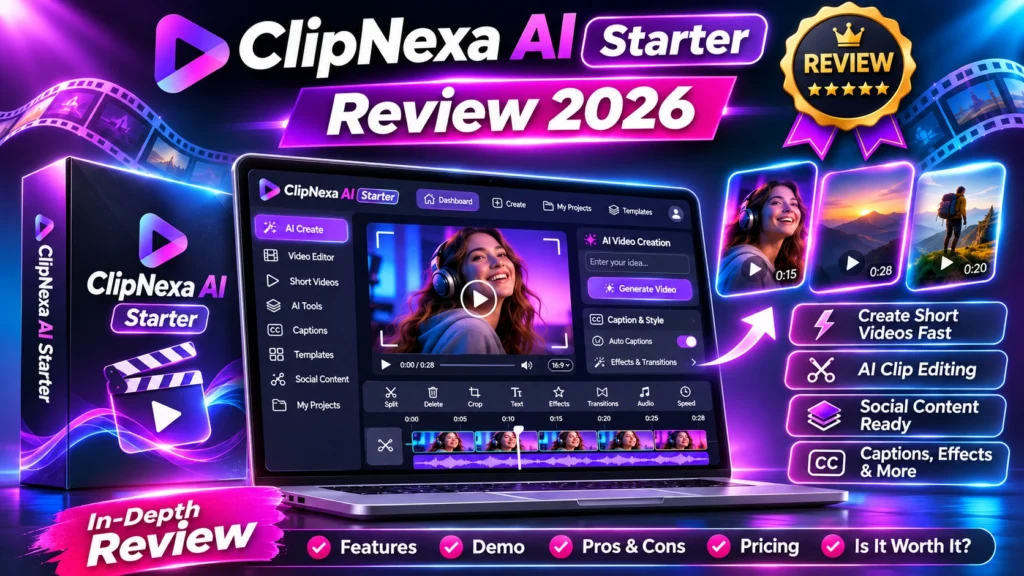
Overview • pricing • Starter limits • workflow • pros and cons • buyer checks • FAQs
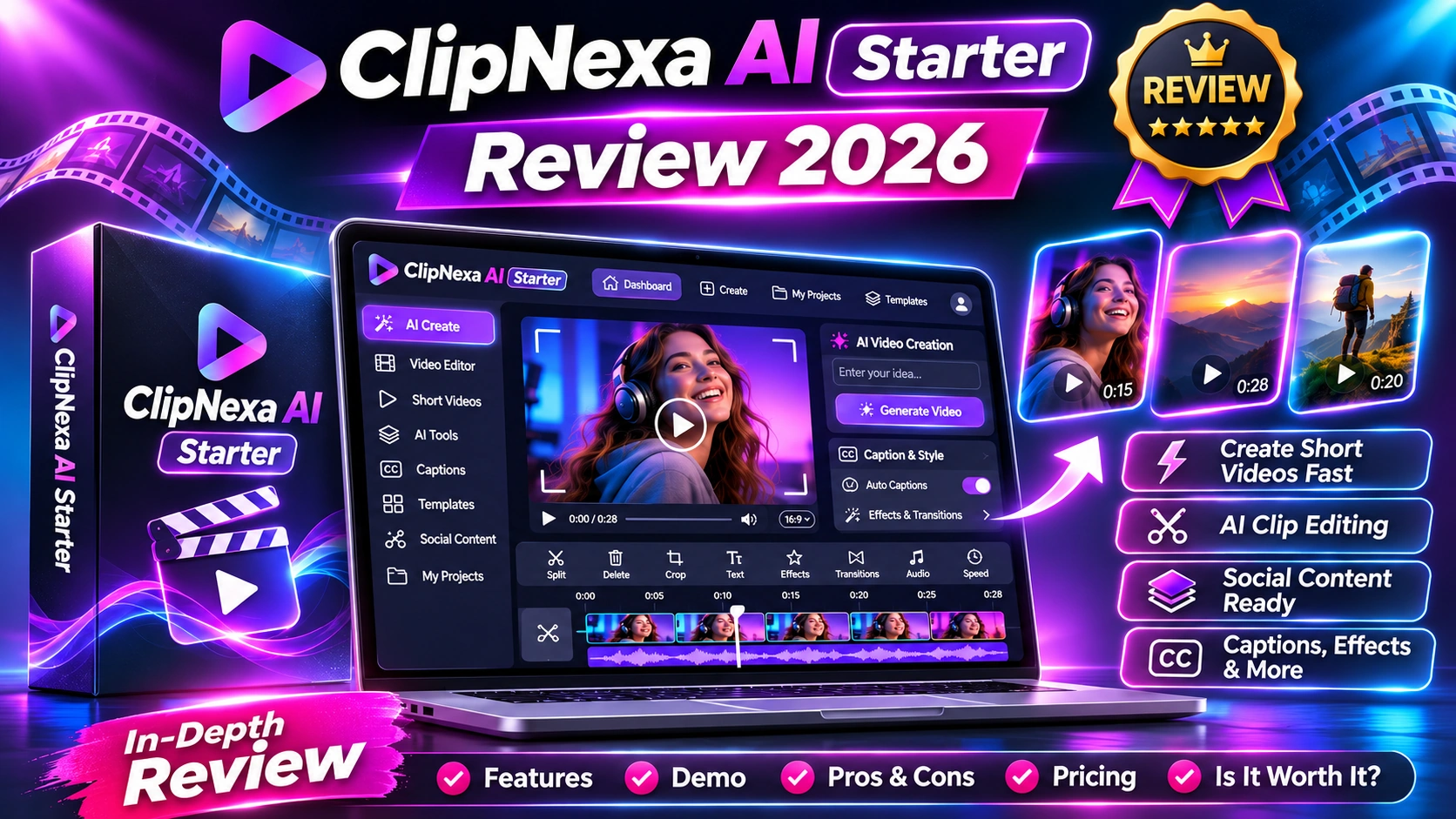
Independent editorial disclosure: This review combines verified public vendor material and launch listings with a critical buying framework. We have not purchased or run a hands-on benchmark of ClipNexa AI Starter. Any buttons below lead to the clearly identified public information page, not a confirmed AI Review Dock affiliate tracking URL. Pricing, availability and terms may change.
ClipNexa AI Starter review 2026 — the official product page describes a browser-based agentic video workflow that turns existing long recordings into shorter versions and multiple aspect ratios. Unlike a generic ‘unlimited video’ promise, the vendor publishes concrete allowances; these limits are key to evaluating the one-time price.
Quick verdict: transparent $37 video editor with finite included cloud allowances
Its seven-agent workflow, multi-shape exports and published limits look relevant for repurposing existing footage, but one-time access does not mean infinite cloud resources.
Launch: November 5, 2026 | Reported entry price: $37 one time on official site | Hands-on tested: No
View ClipNexa AI Starter $37 Offer →
ClipNexa AI Starter review 2026: what does it do?
ClipNexa AI Starter is presented by its vendor as a guided browser video editor. Users can upload or link existing footage; seven named AI agents assess material, plan clips, assemble edits, adjust sound, apply branding and run technical quality checks. The product page advertises exports in vertical, square and landscape formats.
The vendor is also unusually specific about the Starter tier: a $37 one-time purchase, ten project slots, 120 included cloud minutes, 25 hours in the long-video Clip Maker and 150 included agent-team runs. These are reported plan amounts from the official sales page, not numbers validated by an independent account. Cloud allocations do not reset even though access is marketed as lifetime.
ClipNexa AI Starter at a glance: key specifications
| Buying factor | ClipNexa AI Starter | What to verify |
|---|---|---|
| Price | $37 one-time (vendor stated) | Check tax and checkout |
| Project slots | 10 | Confirm reuse and deletion |
| Clip Maker hours | 25 included; never resets | Check how hours are counted |
| Agent runs | 150 included; never resets | Review consumption |
| Cloud minutes | 120 included | One minute of finished video can cost one minute |
| Cloud storage | 5 GB total | Review retention |
| Maximum upload | 2 GB per file | Test your footage |
| Output quality | Up to 1080p stated | Test exported file |
| Commercial license | For your own work | Read license details |
Who should consider ClipNexa AI Starter?
Creators repurposing podcasts, webinars, online courses and interview recordings are a natural fit. Businesses trying to extract multiple social clips from footage they own may also benefit. It is less suitable if you expect unlimited cloud generation, cinematic text-to-video from no source footage or a subscription-style allowance that refreshes every month.
Features and real-world workflow explained
Step 1: Import your own footage
Begin with a ten-minute talk, podcast extract or presentation. Use a local file or a supported Drive, Dropbox or OneDrive link; avoid private client footage until you understand data handling.
Step 2: Ask the agents for short clips
The vendor names Scout, Strategist, Copywriter, Editor, Sound Engineer, Brand & Compliance, and QA Inspector. Review suggested highlights and rewrite titles that misrepresent what the speaker actually said.
Step 3: Build variations in useful shapes
Choose 9:16 for vertical social videos, 1:1 for square placements and 16:9 for wider viewing. Inspect any automatic reframing around faces, slides and text.
Step 4: Export, validate and publish manually
The vendor’s QA process checks playback, duration, visual frames, sound and text safe areas. It does not guarantee copyright ownership, factual claims or platform performance. Watch the final output yourself.
See ClipNexa Features & Live Demo →
ClipNexa AI Starter review 2026: pricing and usage limits
The official page lists $37 as a one-time Starter payment. It specifies 120 included cloud minutes, 5 GB cloud storage, 25 Clip Maker long-video hours, 150 agent-team runs, a 2 GB maximum file and a 1080p best-quality output. A launch bonus is advertised for purchases by November 15, 2026; bonuses should be rechecked before checkout.
The most important fine print: lifetime is access for the life of the product, not infinite cloud processing. The vendor says one minute of finished cloud video generally consumes one cloud minute and rounds up, while local processing is separate. It also describes a usage-based 14-day refund policy that can reduce reimbursement when cloud resources have been consumed. Review actual checkout terms carefully.
What we like — and what needs caution
| Reasons to investigate | Potential drawbacks |
|---|---|
| Detailed published Starter tier limits | Included minutes and agent runs do not renew |
| One-time payment can suit occasional creators | Cloud processing can consume finite credits |
| Three common aspect ratios and brand tools | Technical QA is not an editorial or copyright guarantee |
9 buyer checks before paying
1. Available cloud minutes
Estimate the total finished-video minutes your planned projects will consume.
2. Agent run accounting
Clarify whether each new clip package or revision uses a run.
3. Source length
The vendor lists 25 long-video hours for Clip Maker; assess your workload.
4. Project slots
Check whether ten project slots are enough and how deletion affects retained files.
5. Quality and framing
Export one challenging video with on-screen text and different speakers.
6. Caption accuracy
Compare generated captions with the actual audio and correct names.
7. Music rights
Read terms for the included library and commercial usage.
8. Retention and privacy
Note the vendor’s 90-day footage and 30-day finished-video cloud retention wording.
9. Refund formula
Understand the usage-based refund policy before consuming the included minutes.
Compare Starter Limits & Pricing →
Comparison: should you buy or use an alternative?
ClipNexa differs from general AI video generators because its advertised workflow starts with footage users already have. Compare it with a conventional editor or a clip-focused service by running the same ten-minute recording, setting identical clip goals and checking each exported result.
The price is attractive for occasional users only if the finite Starter allowances cover their planned projects. Heavy cloud creators should estimate consumption before calling it a lifetime bargain. For studio-level editing, advanced controls and predictable monthly resources, a different editor may fit better.
For hands-on comparison ideas, read our Pictory AI review and KDPGlobal AI review. For strategy context, see intelligent automation workflows and AI data governance controls.
ClipNexa AI Starter review 2026: reader questions and answers
Frequently asked questions about ClipNexa AI Starter
Is ClipNexa AI Starter a subscription?
The official page markets Starter at $37 one time, with finite included use allowances.
Does lifetime mean unlimited cloud minutes?
No. The vendor explicitly says included cloud minutes, agent runs and long-video hours do not reset.
Is a commercial license included?
The official page says a commercial license covers users’ own work; this does not replace rights to third-party footage.
Does it guarantee viral videos?
No. Its quality checks concern technical files, not future views, engagement or sales.
ClipNexa AI Starter review 2026: final buyer verdict
ClipNexa AI Starter is a more assessable launch than many similar offers because its official page discloses substantial numeric limits. The $37 package could be good value for turning owned long-form content into several clips, provided the finite allowances fit your workload and the real export quality passes your own tests.
Visit Official ClipNexa Checkout Page →
Source and verification notes: The links to official ClipNexa Starter sales page and JVZoo release calendar explain which claims come from the vendor and which come from a third-party launch listing. Editorial commentary and buyer-check examples are our analysis, not product-test results. Last reviewed: November 6, 2026.