
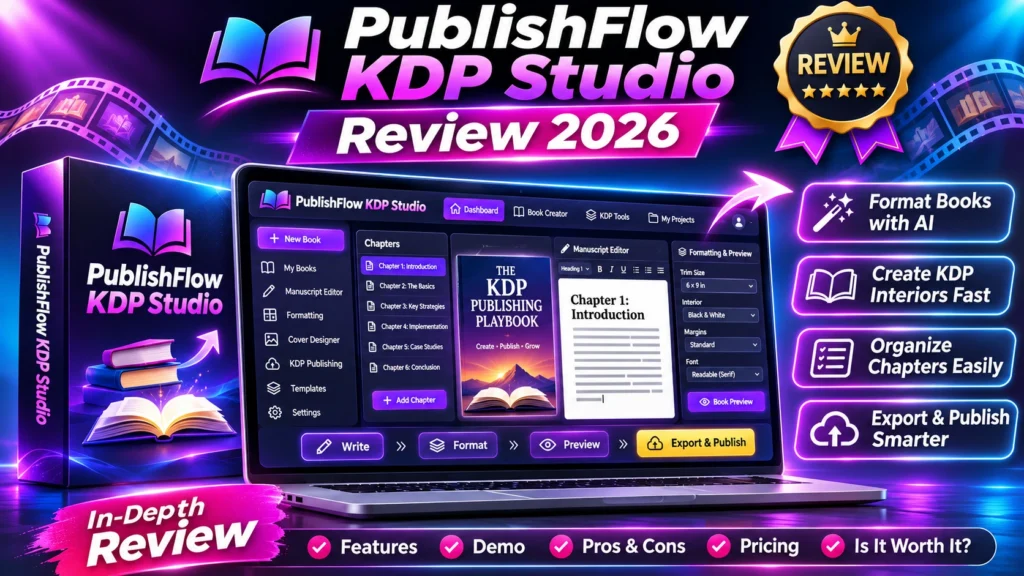
In this PublishFlow KDP Studio review 2026:
Quick verdict • specifications • detailed workflow • price and optional upgrades • advantages and drawbacks • nine buyer checks • alternatives • FAQs • final verdict
Independent editorial disclosure: This review combines verified public vendor material and launch listings with a critical buying framework. We have not purchased or run a hands-on benchmark of PublishFlow KDP Studio. Any buttons below lead to the clearly identified public information page, not a confirmed AI Review Dock affiliate tracking URL. Pricing, availability and terms may change.
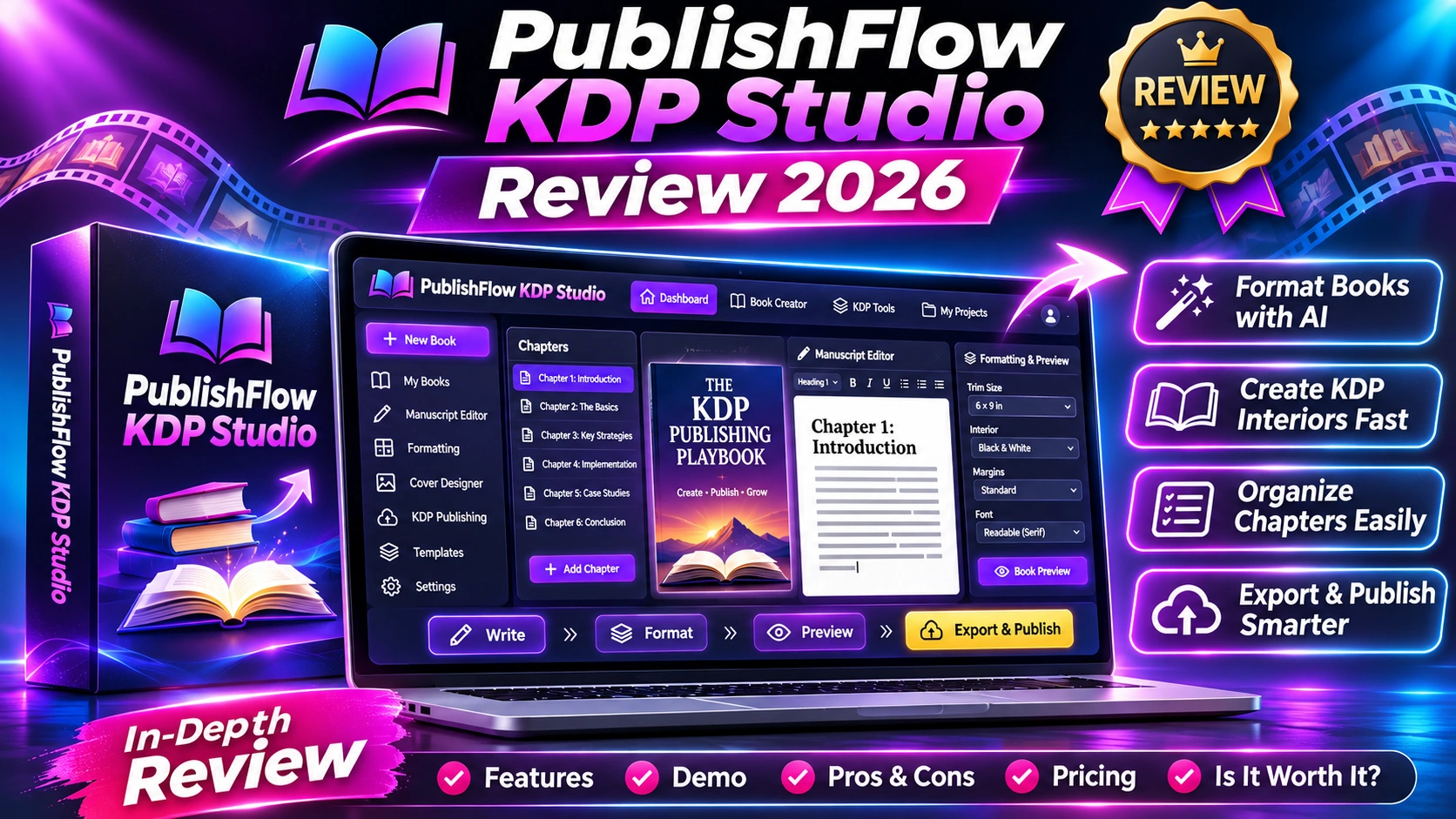
PublishFlow KDP Studio review 2026 — this newly listed publishing workspace targets authors preparing text-first Amazon KDP paperbacks. Its pitch is practical: preview interior styles, organize listing details and plan cover-wrap dimensions without installing desktop publishing software. A good workflow can save formatting effort, but only print-ready output should determine whether it earns its price.
Quick verdict: promising for simple paperback preparation, subject to export tests
The launch listing describes six interior previews and a $17 entry tier; buyers still need to validate print specifications, file output and the true upgrade cost.
Launch: November 6, 2026 | Reported entry price: $17 (listed) | Hands-on tested: No
Explore PublishFlow KDP Studio →
PublishFlow KDP Studio review 2026: what does it do?
PublishFlow KDP Studio is promoted as a browser-based workspace for preparing text-first paperback projects. Instead of starting with a blank design application, the proposed workflow brings manuscript styling, draft listing information and cover-dimension planning into one place. The publicly described scope is narrower than a full illustrated-book layout suite.
That narrower scope may be a benefit for an author preparing a short nonfiction paperback, workbook with mostly text or a collection of essays. It may be a poor match for complicated illustrated interiors, fixed-position diagrams, children’s picture books or unusually designed spreads. Nothing in the current materials guarantees that a finished exported file will be accepted by Amazon KDP.
PublishFlow KDP Studio at a glance: key specifications
| Buying factor | PublishFlow KDP Studio | What to verify |
|---|---|---|
| Main function | Browser-based text-first KDP preparation | Try a real manuscript |
| Interior styles | Six previews described | Inspect all styles after export |
| Book listing | Draft metadata guidance | Edit and proof manually |
| Cover wrap | Dimension planning | Check against KDP calculator |
| Front-end price | Reported $17 | Confirm checkout |
| Optional offers | Reported $12–$47 range | Inspect upgrade sequence |
Who should consider PublishFlow KDP Studio?
This product is best investigated by new self-publishers, freelancers producing straightforward book interiors and small publishing teams who want faster proofs. It is less appealing to people who already maintain a reliable InDesign, Affinity Publisher or Word formatting workflow with known print-ready templates.
Features and real-world workflow explained
Step 1: Prepare a realistic manuscript
Use your own chapter structure, headings, paragraph breaks and front matter. A two-page demonstration won’t reveal pagination, widow/orphan handling, tables or uneven chapter starts.
Step 2: Preview typography and trim size
Compare all advertised interior styles on the same manuscript. Inspect paragraph spacing, chapter headings, line breaks and readability rather than choosing only by cover image.
Step 3: Calculate the physical cover
Select paper type, trim size, bleed settings and final page count. Recheck spine width with current KDP specifications. A cover calculated before final pagination may be incorrect.
Step 4: Export and quality-check
If the product offers PDF or another publishing export, inspect the actual file. Verify embedded fonts, crop, trim margins and blank-page behavior. Then upload it to KDP’s previewer before publishing.
See PublishFlow Pricing Details →
PublishFlow KDP Studio review 2026: pricing and upgrades
The third-party launch listing specifies a $17 front-end purchase with six optional upgrades and downsells priced approximately $12–$47. That is launch information, not a personal checkout test or a promise that the entry plan includes all advanced features.
A sensible buyer writes down exactly which export formats, manuscript lengths, commercial rights and projects the $17 product includes. An optional offer is genuinely optional only when the base product can complete the main job. Authors should also account for KDP proof copies, cover design and editorial services in their publishing budget.
What we like — and what needs caution
| Reasons to investigate | Potential drawbacks |
|---|---|
| Purpose-built around text-first paperback preparation | Complex layouts may need professional tools |
| Browser-based workflow avoids desktop installation | Export quality and KDP acceptance still require testing |
| Published launch entry gives a starting price | Optional offers increase potential funnel cost |
9 buyer checks before paying
1. File format and compliance
Obtain an actual exported sample and check PDF requirements, embedded fonts and paperback specifications.
2. Trim size and margins
Verify the physical page size, bleed rules and gutter allowance for a real print page count.
3. Chapter and pagination behavior
Test page breaks, running headings, numbered pages and a long manuscript.
4. Cover dimensions
Cross-check spine and wrap size using KDP’s current cover calculation resources.
5. Metadata quality
Inspect generated title, subtitle, description and keywords for accuracy rather than publishing automation output unchecked.
6. Content rights
Review copyright, data storage and any AI generation or commercial-use clauses.
7. Upsell necessity
Map each optional upgrade against the exact workflow you want to complete.
8. Actual total cost
Count all payments plus proof printing, editing and other services.
9. Refund and support
Read the checkout terms and test whether vendor support can explain export limitations.
Comparison: should you buy or use an alternative?
Compared with a general text editor, PublishFlow may offer a more focused path from manuscript to print planning. Compared with professional desktop publishing, it may trade granular layout control for simplicity. Neither benefit should be assumed without comparing the same sample book.
A useful three-way test is to format ten pages in PublishFlow, a familiar word processor and your established KDP template. Compare time, print consistency and adjustments needed after using the official KDP previewer.
For hands-on comparison ideas, read our Pictory AI review and KDPGlobal AI review. For strategy context, see intelligent automation workflows and AI data governance controls.
PublishFlow KDP Studio review 2026: reader questions and answers
Frequently asked questions about PublishFlow KDP Studio
Does PublishFlow upload books directly to Amazon?
Direct publishing integration is not established by the launch listing. Treat this as preparation software unless the vendor demonstrates otherwise.
Is it suitable for illustrated children’s books?
Its disclosed positioning is text-first paperback work; complex illustrated interiors need a separate suitability test.
Are upgrades required?
Six optional upgrades/downsell offers are reported, but the exact features requiring them should be verified at checkout.
Is $17 the final total?
It is the reported front-end amount. Optional additions and taxes may increase the total.
PublishFlow KDP Studio review 2026: final buyer verdict
PublishFlow KDP Studio deserves a practical test if you regularly assemble text-heavy paperbacks and dislike complicated publishing software. The appropriate decision is to buy only after confirming export compatibility, readable interiors and the true price. The offer should not be marketed as guaranteed KDP approval or guaranteed book sales.
Check PublishFlow Before Buying →
Source and verification notes: The links to PublishFlow public offer page and independent launch listing explain which claims come from the vendor and which come from a third-party launch listing. Editorial commentary and buyer-check examples are our analysis, not product-test results. Last reviewed: November 6, 2026.